Learn
Azure AI Foundry deployment types, explained
Last reviewed:
Twelve deployment types. Three orthogonal choices. One restaurant analogy that makes the whole thing fit in your head.
1. The big picture — three orthogonal choices
When you deploy a model in Microsoft Foundry (the platform formerly known as Azure AI Studio / Azure OpenAI Service), you are really making three independent choices:
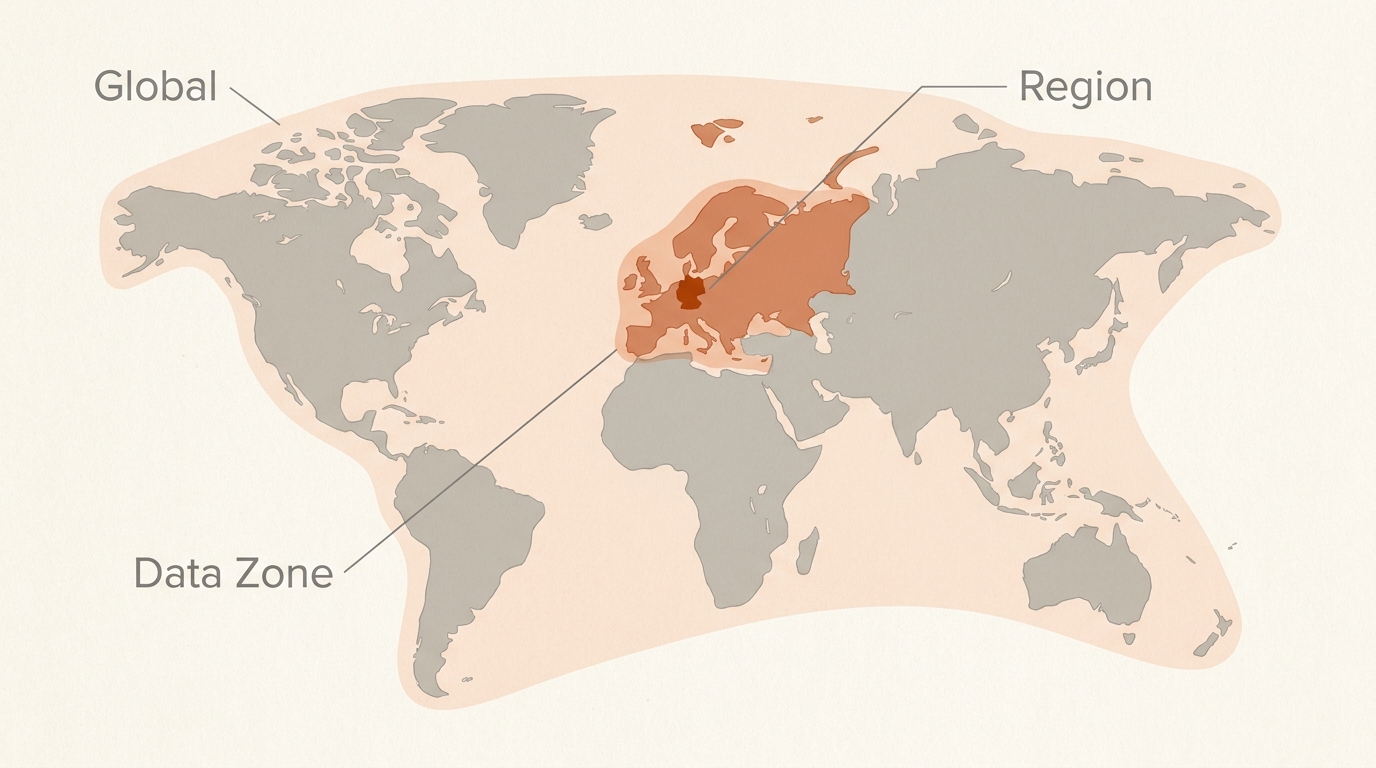
- Where data is processed. Global, Data Zone (US or EU), or a single Azure region.
- How you pay. Pay-per-token (Standard), reserved capacity (Provisioned / PTU), or discounted async (Batch).
- How the model is hosted. Foundry resource (the modern path for models sold directly by Azure), Serverless API deployment (MaaS for partner / community models), or Managed Compute (your own GPUs in Azure ML).
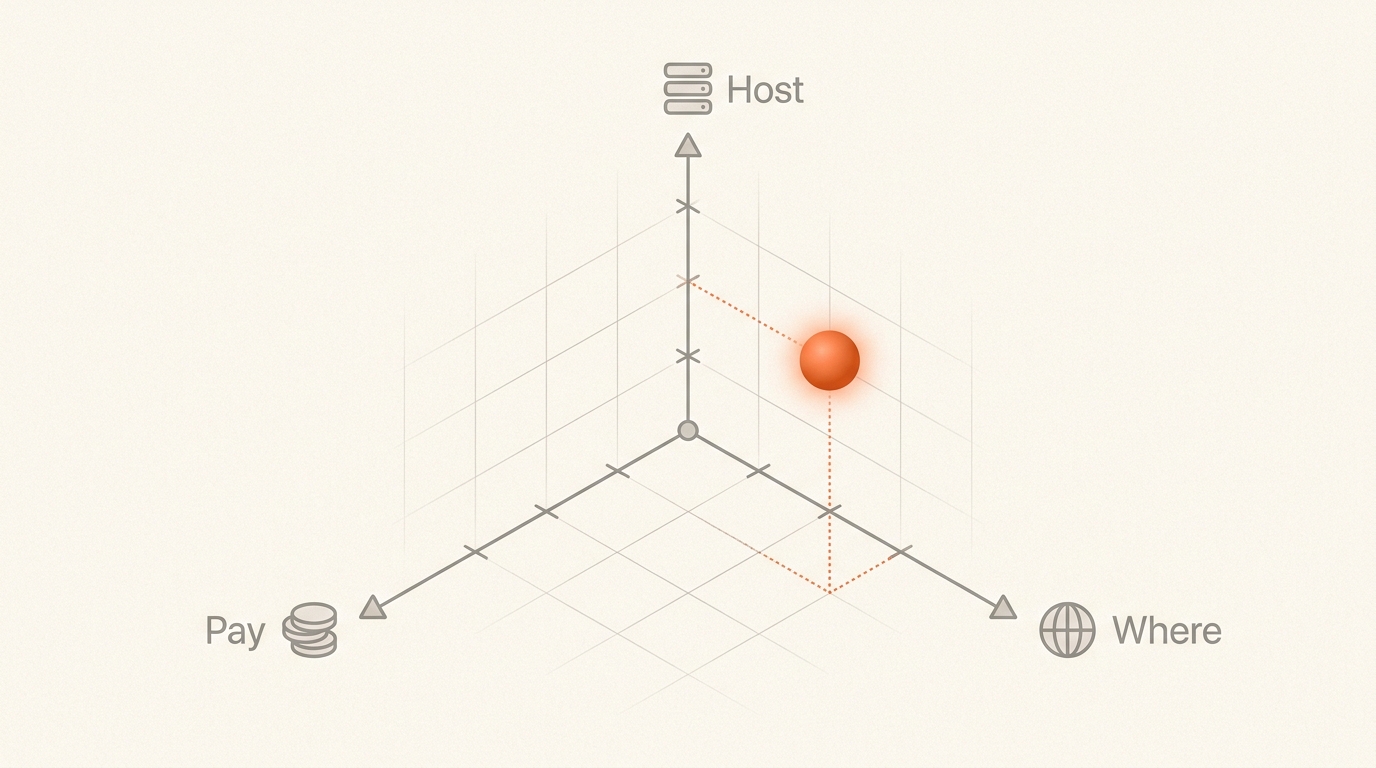
The cross-product of (1) and (2) gives you the nine first-class SKUs you see in the Foundry portal. Hosting choice (3) is a separate axis that mostly determines which catalog of models you can pick from.
| Display name | SKU code | Processed in | Billing |
|---|---|---|---|
| Global Standard | GlobalStandard | Any Azure region globally | Pay-per-token |
| Global Provisioned | GlobalProvisionedManaged | Any Azure region globally | $/PTU/hr (reservable) |
| Global Batch | GlobalBatch | Any Azure region globally | 50% off Global Standard, async |
| Data Zone Standard | DataZoneStandard | Within US or EU data zone | Pay-per-token |
| Data Zone Provisioned | DataZoneProvisionedManaged | Within US or EU data zone | $/PTU/hr (reservable) |
| Data Zone Batch | DataZoneBatch | Within US or EU data zone | 50% off Data Zone Standard, async |
| Standard (Regional) | Standard | Single deployment region | Pay-per-token |
| Regional Provisioned | ProvisionedManaged | Single deployment region | $/PTU/hr (reservable) |
| Developer | DeveloperTier | Any region (no residency) | Pay-per-token, no SLA, 24-hr life |
Beyond the nine, three more concepts are worth tracking: Priority Processing (a service tier overlaid on Global / Data Zone Standard), Serverless API deployments (the MaaS path for partner and community models in hub-based projects), and Managed Compute (dedicated VMs / GPUs in Azure ML).
2. The restaurant analogy
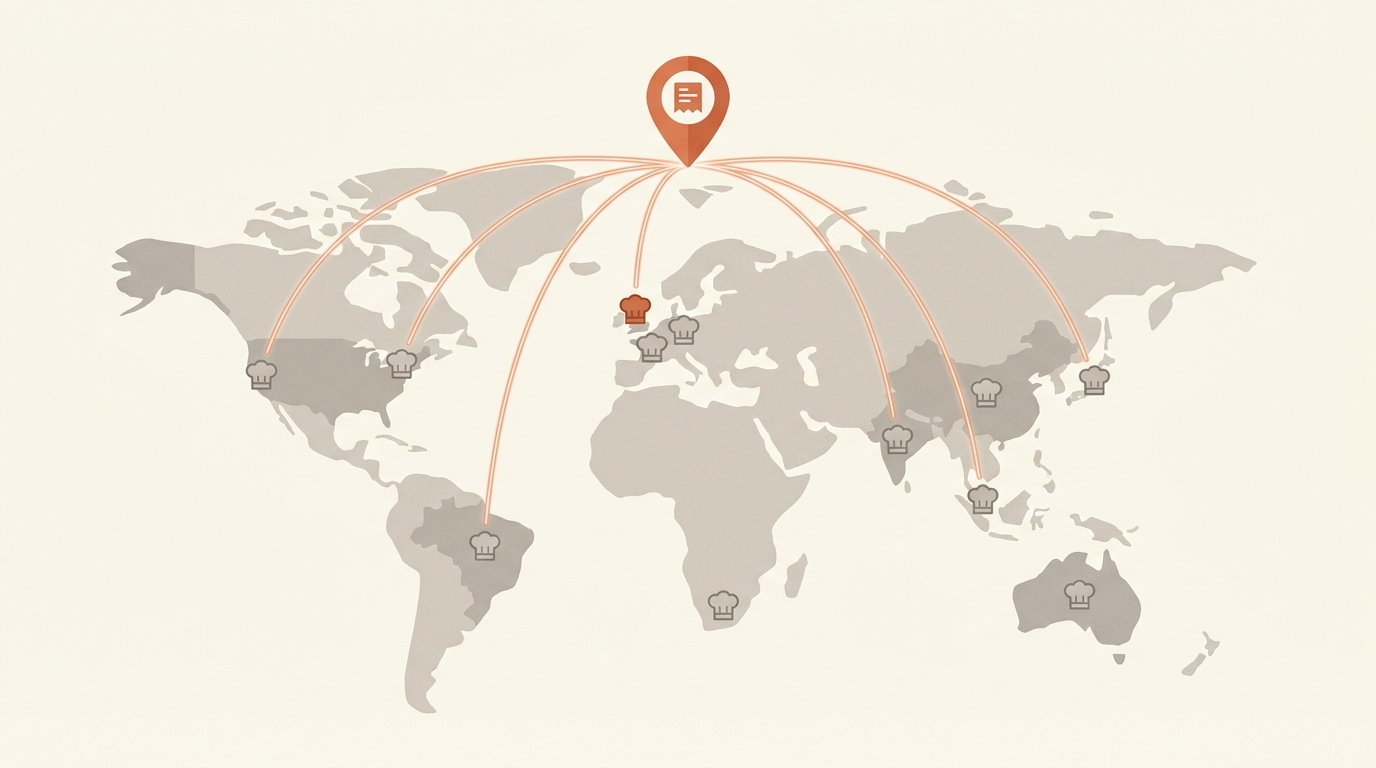
Picture a near-future where you operate a worldwide chain of restaurants. Every kitchen — from Tokyo to Toronto, Dublin to São Paulo, Sydney to Stockholm — is plugged into the same autonomous drone-delivery network: a meal cooked anywhere on the planet lands on your customer's plate within minutes. With that delivery bottleneck removed, only two real questions remain: which kitchen cooks the order, and how you're paying the cooks. Your customers — the inference requests — can't tell whether their meal came from next door or from a kitchen on another continent. Only the bill, the residency rules, and the predictability of timing actually differ.
The Foundry deployment types map cleanly onto operational models for that chain:
- Global Standard — your order goes to whichever kitchen worldwide has slack right now; the drone delivers within minutes. Cheapest by the dish, almost always available; occasional timing variance at peak.
- Data Zone Standard — same routing, but the order can only be cooked in EU kitchens (or only US kitchens). Drones still hit your address in minutes — your meal just never leaves the continent.
- Standard (Regional) — your order can only be cooked in this one specific kitchen. Maximum provenance control, smallest crew, most likely to run out at peak; the menu is the shortest.
- Provisioned (Global / Data Zone / Regional) — you put a few cooks on retainer by the hour. They only cook your orders. No queue, no noisy neighbours, predictable timing — but you pay whether the orders come in or not.
- Batch (Global / Data Zone) — drop off a giant catering order overnight; the chain has 24 hours to deliver every meal. Half price, no real-time service.
- Developer — a one-day pop-up kitchen for taste-testing a new recipe (fine-tuned model). Cheap counter, no SLA, self-destructs in 24 hours.
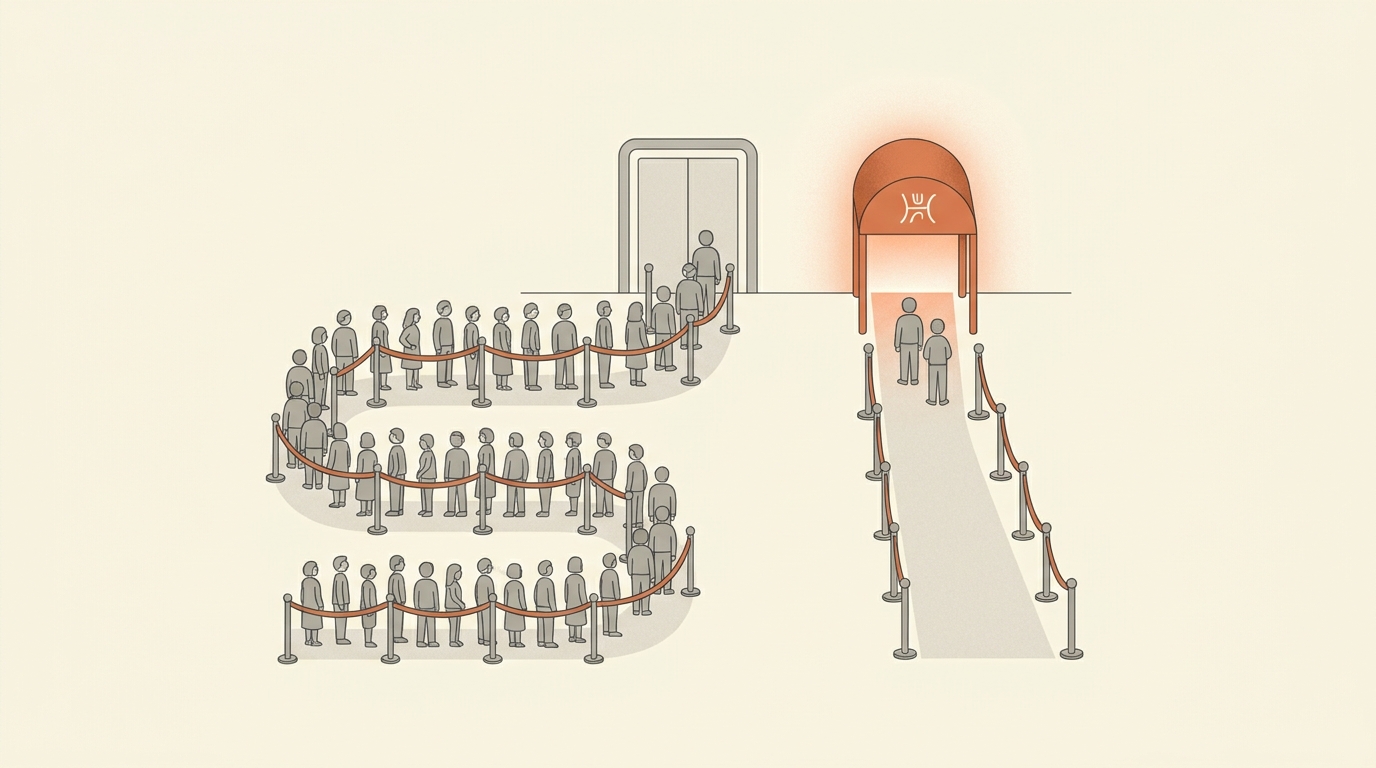
- Priority Processing — a "skip-the-line" wristband layered on Standard. Pay-per-dish still, but with a premium so your tickets jump the queue.
- Serverless API deployment — ordering from a third-party brand (Mistral, Cohere, Llama) that operates on the same drone network. The brand owns the recipe; Microsoft runs the kitchen and the drones.
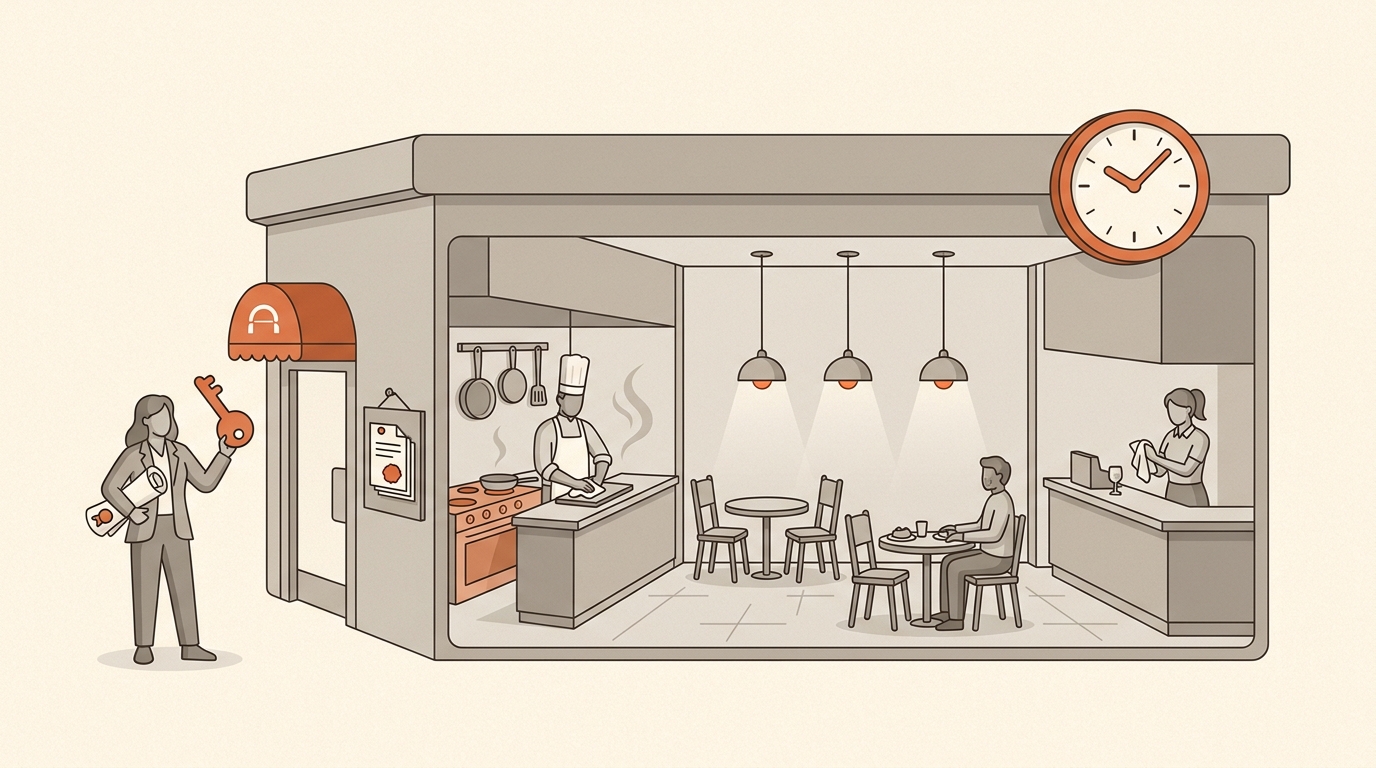
- Managed Compute — you buy your own kitchen, hire your own staff (a GPU VM cluster), and cook whatever you want — including weird open-source recipes Microsoft doesn't normally serve. You still plug into the drone fleet for delivery.
3. The nine first-class SKUs
Three modes (Standard / Provisioned / Batch) crossed with three scopes (Global / Data Zone / Regional). The mode picks how you pay and how predictable latency is; the scope picks where your data is processed.
3.1 Standard family — pay-per-token, real-time
Global Standard
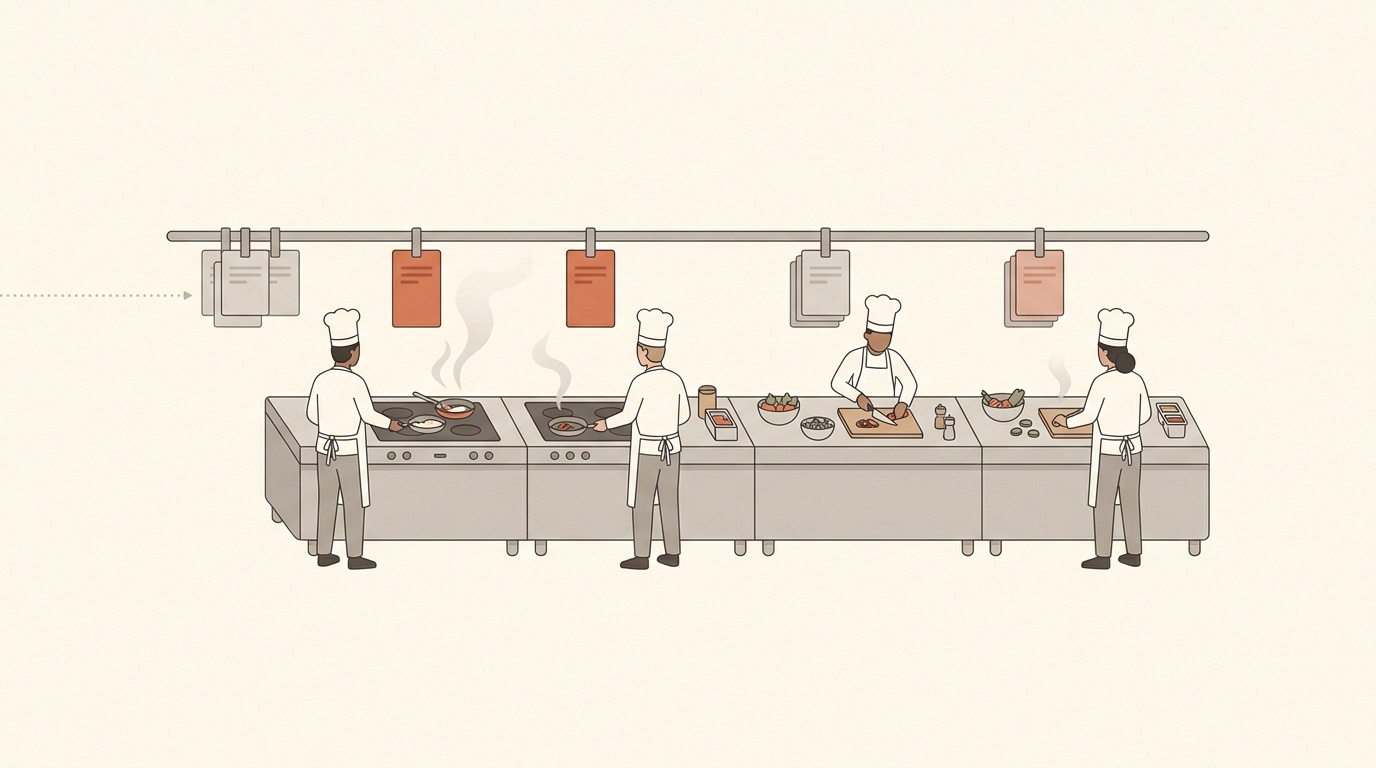
GlobalStandard Analogy — a global delivery network. The platform routes your order to whichever kitchen worldwide has slack right now, and the drone delivers within minutes. Cheapest option, almost always available; on a Friday night, delivery times become more variable.
- How it works
- Multi-tenant inference fleet. Your prompt hits the Foundry endpoint in your resource's region, but the GPU cluster that processes it can be in any Azure region globally. Microsoft's traffic-routing layer dynamically picks the data centre with best availability.
- Pricing
- Pay-per-token, separate input / output rates. No infrastructure charge, no minimum.
- Latency
- Time-to-first-token is generally low, but variance grows under load. 99% latency SLA for token generation on production models; no per-call latency guarantee.
- Throughput
- Highest default TPM/RPM quotas of any pay-as-you-go SKU.
- Data residency
- Data at rest stays in the resource's geography. Inference traffic may be processed in any Azure region worldwide. Not suitable for strict residency mandates.
- Models
- Broadest availability — typically the first deployment type to get a new model.
- When to pick it
- Default starting point: prototypes, POCs, internal tooling, dev/test, and low-to-medium-volume production where occasional latency spikes are acceptable.
Data Zone Standard
DataZoneStandard Analogy — same delivery network, geo-fenced to the EU (or US). Same mechanism, smaller pool of kitchens, your meal never leaves the continent.
- How it works
- Same dynamic routing as Global Standard, except inference is constrained to data centres inside the Microsoft-defined data zone — United States (any US region) or European Union (any EU member-nation region). Determined by the Foundry resource's region.
- Pricing
- Pay-per-token, typically a small uplift (~10%) over Global Standard rates.
- Latency
- Low, with the same kind of variance under heavy load as Global Standard. For low-variance, switch to Data Zone Provisioned.
- Throughput
- Higher default quotas than single-region Standard, lower than Global Standard.
- Data residency
- Inference data processed only within the specified data zone. Sweet spot for "GDPR-comfortable" workloads that don't need single-region lockdown.
- When to pick it
- EU customers under GDPR, US-only public-sector workloads, healthcare and finance scenarios where "must stay in EU/US" is the rule.
Standard (Regional)
Standard Analogy — a single local kitchen in one city only. Strongest local guarantees, smallest crew; at peak you may wait, and many newer dishes on the menu won't be available here yet.
- How it works
- Inference happens entirely inside the single Azure region of the Foundry / Azure OpenAI resource.
- Pricing
- Pay-per-token, same per-model rate as Global Standard for many models.
- Latency
- Low and stable when the region isn't congested; can be capacity-limited at peak.
- Throughput
- Lowest default quotas of the Standard family. Optimised for low-to-medium volume with burstiness.
- Data residency
- Strongest guarantee — both at rest and in flight, data stays in that one region.
- Models
- Limited subset; flagship newer models often arrive here last (or not at all).
- When to pick it
- Hard regulatory boundary that mandates a specific region (German sovereignty, certain Australian or UAE data laws), or an architectural reason (private endpoint patterns, latency to a co-located workload) to force a single region.
3.2 Provisioned family — reserved capacity, predictable latency
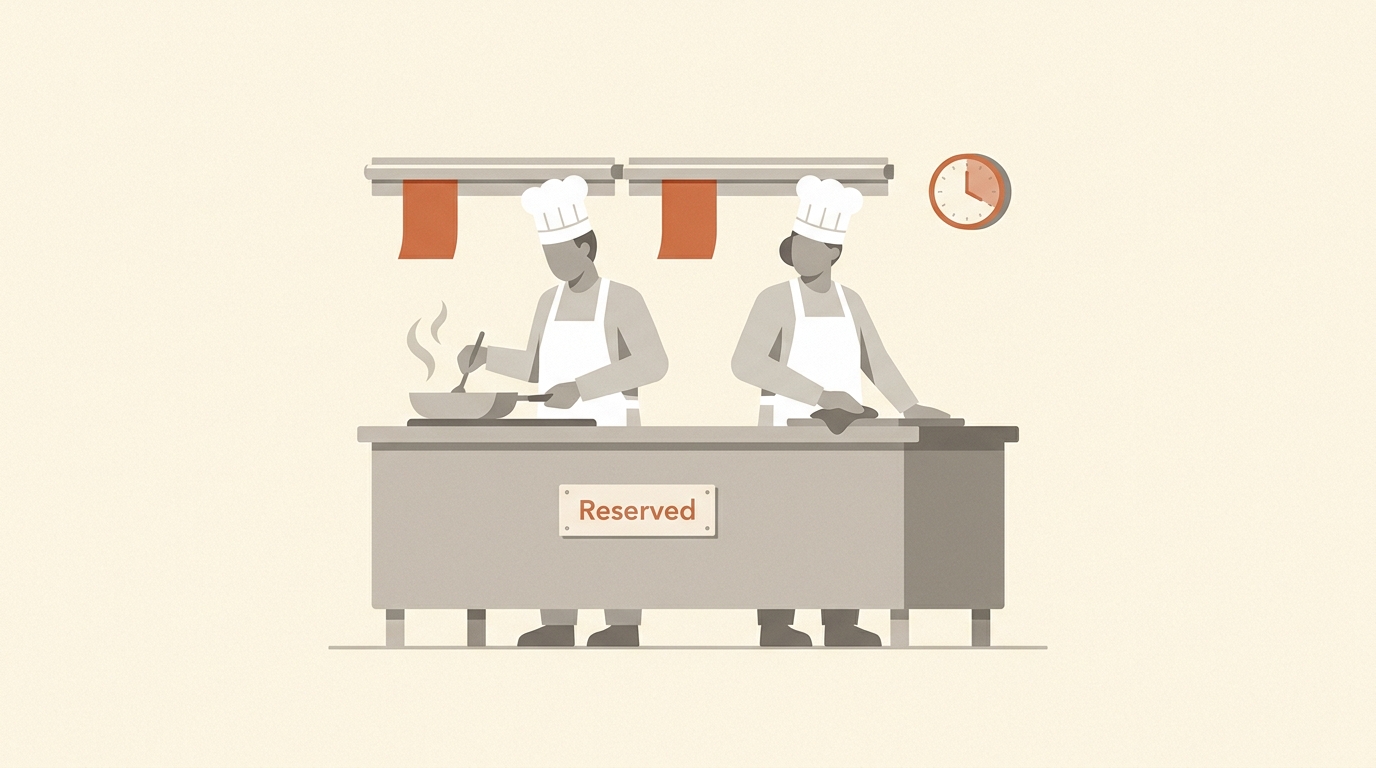
You purchase Provisioned Throughput Units (PTUs) — generic units of model processing capacity. PTU is model-independent (one PTU pool can be reallocated across supported models). Hourly billing, prorated to the minute. Big savings via Azure Reservations: roughly up to 64% off with a 1-month reservation, up to 70% off with a 1-year reservation. Reservations are financial discounts — they don't auto-create capacity. Deploy first, reserve second.
Global Provisioned
GlobalProvisionedManaged Analogy — a private chef on retainer, with a global kitchen network. Yours 24/7, can cook in whichever of the company's worldwide kitchens is closest to you.
- Pricing
- Hourly: $/PTU/hr × number of PTUs deployed. Microsoft's worked example: 25 PTUs of GPT-4o on a monthly reservation ≈ $6,500 / month (~$260 / PTU / month), buying ~62.5K input TPM / 50K output TPM with consistent low latency.
- Latency
- Lower and far more consistent than Standard. PTU is the only path that gives you a real token-generation latency SLA (99% target).
- Throughput
- Reserved and predictable. Foundry's capacity calculator sizes PTU needs from your input / output TPM and RPM expectations.
- Data residency
- Same as Global Standard — data may be processed in any Azure region.
- Models
- All flagship models sold directly by Azure plus a growing list eligible for fungible PTU (DeepSeek-R1, DeepSeek-V3, Llama variants). One reservation can cover a mix.
- When to pick it
- Production apps with steady, high traffic where latency variance is unacceptable. Rule of thumb: PTU breaks even versus pay-as-you-go after roughly 7 days/month of saturated steady-state traffic at the rated TPM.
Data Zone Provisioned
DataZoneProvisionedManaged Analogy — private chef on retainer, contractually only allowed to cook in EU (or US) kitchens. Same dedicated-capacity benefit with a regulatory leash.
- Mechanics
- Identical to Global Provisioned (PTU, reservations, capacity guarantees, low-variance latency), with traffic constrained to the chosen Microsoft data zone (US or EU).
- Pricing
- Hourly $/PTU/hr (typically slightly higher per-PTU than Global Provisioned), reservable for 1 month or 1 year at the same broad discount tiers.
- Data residency
- Inference within the data zone (US or EU). Data at rest in the resource's geography.
- Models
- Slightly lagging Global Provisioned for brand-new models, full flagship coverage.
- When to pick it
- EU/US enterprises (banks, insurers, healthcare, public-sector contractors) running production-grade, latency-sensitive workloads under GDPR or similar regimes — when both predictable throughput and data zone compliance are non-negotiable.
Regional Provisioned
ProvisionedManaged Analogy — private chef, contractually bound to one specific kitchen in one specific city. Maximum control over where the cooking happens, smallest local kitchen, often the largest minimum order size.
- How it works
- PTU-based dedicated capacity, all traffic confined to a single Azure region.
- Pricing
- Hourly $/PTU/hr; reservable; typically the highest minimum-PTU deployment size of the three Provisioned variants.
- Data residency
- Strongest possible — single region, in flight and at rest.
- Models
- Smaller list than Global Provisioned; new models typically arrive on Global Provisioned first, then trickle to Data Zone, then Regional.
- When to pick it
- Workloads where regulators require a specific country / region (on-shore Australian data, certain German Bundesländer rules, Canadian federal data, Indian sovereignty rules) and you need predictable throughput and latency. Often paired with private endpoints, customer-managed keys, and a private-link architecture.
3.3 Batch family — async, half price

Global Batch
GlobalBatch Analogy — industrial overnight catering. Drop off a thousand-meal order in the evening; the kitchen fits it in around its real-time orders and has 24 hours to deliver. Half-price because you accept "we'll fit you in when there's slack."
- How it works
- Submit a JSONL file via the Batch API. The service queues with a separate enqueued-token quota so it doesn't fight your real-time deployments. Targets ≤24-hour completion; asynchronous — you poll, then download a results file.
- Pricing
- 50% discount vs Global Standard token rates for the same model.
- Latency
- Not real-time. No real-time SLA — only the 24-hour target turnaround.
- Throughput
- Massive parallel throughput limited by enqueued-token quota, not RPM. Designed for jobs of millions of requests.
- When to pick it
- Bulk document processing, embeddings backfill, mass content generation (product descriptions, translations), nightly summarisation, eval pipelines, large-scale data labeling, RAG corpus enrichment. Microsoft's reference customer Ontada (a McKesson company) cited cutting an oncology-document-processing job from "months to a week" using Batch.
Data Zone Batch
DataZoneBatch Analogy — industrial catering, contractually bound to a continent. Same deal — half price, 24-hour SLO, async — but only kitchens inside the US or EU data zone touch the food.
- Mechanics
- Identical to Global Batch. Differences: (a) traffic stays inside the data zone, (b) capacity pool is smaller so backlog can be longer in busy periods, (c) onboards models slightly later than Global Batch.
- When to pick it
- Same use cases as Global Batch, but for EU / US regulated customers (GDPR, HIPAA-conscious workflows, etc.).
4. Beyond the nine — Priority, Serverless, Managed Compute, Developer
Three things sit outside the 3×3 SKU grid but are essential to know about. Plus the Developer tier is technically a tenth SKU, but its role (fine-tune evaluation only) makes it a special case worth grouping here.
Priority Processing
overlay on Global Standard / Data Zone StandardAnalogy — a FastPass at the theme park. Same restaurants, same kitchens; your tickets get pulled ahead of the regular line. You still pay per dish, plus a premium for the wristband.
- How it works
- A service tier you toggle on a Global Standard or Data Zone Standard (US) deployment (
service_tier: priority). Requests enter a higher-priority queue and get processed faster and more consistently. Uses the same TPM quota as standard processing on that deployment. - Pricing
- Pay-per-token at a premium rate — roughly 2× the Global Standard rate on Global deployments for newer models; Data Zone Priority adds a further ~10% on top of Global Priority for residency.
- Latency
- Lower and more consistent than vanilla Standard, with a latency SLA target. The service may demote requests to standard tier during ramp-rate violations (>50% TPM ramp in <15 min) or for very long context (>128K prompt tokens), billing those at standard rates.
- When to pick it
- Latency-sensitive interactive workloads (real-time copilots, voice agents, fraud detection) that can't justify a PTU commitment but need better-than-Standard responsiveness — especially when paired with PTU as a spillover/burst path.

Serverless API deployments
MaaS — partner / community modelsAnalogy — ordering from a third-party brand on a delivery app. The brand owns the recipe and sets the price; the delivery app runs the kitchen and the rider network.
- How it works
- Available only inside hub-based AI Foundry projects for partner and community models not sold directly by Azure. Microsoft hosts the model, exposes a per-deployment endpoint, and acts as data processor. You pay the model provider's per-token rate, billed through Azure Marketplace.
- Note
- For models sold directly by Azure (OpenAI, MAI, Microsoft-published DeepSeek/Llama), Microsoft now recommends deploying to Foundry resources instead, which gives you the nine-SKU matrix above.
- Throughput
- Default per-deployment rate limits of 200,000 TPM and 1,000 RPM. One deployment per model per project.
- Data residency
- Regional only — serverless API deployments support only regional deployments (no Global / Data Zone routing). Azure Machine Learning is the data processor.
- Models
- Hundreds of partner / community models — Mistral Large family, Cohere Command R, Meta Llama, NVIDIA NIM, Stability, Nixtla, etc.
- When to pick it
- When you need a non-Azure-direct model under MaaS billing — e.g., you've standardised on Cohere Command for an internal product and want token billing without managing infrastructure.
Managed Compute / Managed Online Endpoints
your VMs, your modelAnalogy — buying your own restaurant building, hiring your own staff, and cooking whatever recipe you want. Maximum freedom — including weird open-source recipes nobody else stocks — but you pay rent on the building 24/7 whether anyone is eating.
- How it works
- Underneath Foundry's hub-based projects, an Azure ML Managed Online Endpoint: a dedicated set of GPU VMs (ND-series, NC-series) that you size, scale, and own. Foundry / AML manages OS patching, container orchestration, and auto-scaling rules; you choose the VM SKU and instance count.
- Pricing
- Per-minute VM / GPU billing, regardless of token usage. You pay for the cluster; tokens are "free" once the iron is rented.
- Latency
- Whatever your hardware delivers — typically low and tunable, with no shared-tenant variance.
- Data residency
- Single-region by definition (the AML workspace's region). Strong isolation: your data never leaves the VMs you rent.
- Models
- Hugging Face Hub catalog, certain open-weight LLMs (Llama, Phi, Mistral, gpt-oss-20b/120b under specific conditions), custom-trained models, computer-vision models, NVIDIA NIM containers. The only path for many open-source models and any custom-bring-your-own-model scenario.
- When to pick it
- You need a model that isn't offered as MaaS, you have strict isolation requirements (no multi-tenant inference at all), you're running a custom-trained model, or you need to colocate inference with a private network or specific GPU SKU. Common in regulated industries that have already standardised on AKS / AML and need full network isolation via VNet integration and private endpoints.

Developer
DeveloperTier Analogy — a one-day pop-up tasting kitchen for your custom recipe. Bring a fine-tuned model, taste-test it cheaply, no SLA, shuts down automatically at midnight.
- How it works
- A deployment SKU specifically for fine-tuned model evaluation. Auto-deletes after a fixed 24-hour lifetime.
- Pricing
- Pay-per-token, lowest cost path for a fine-tuned model.
- Latency
- Best-effort; no SLA.
- Data residency
- No data residency guarantee — inference may run in any Azure region.
- When to pick it
- Step in your fine-tuning workflow: train a custom model → spin up a Developer deployment → run your eval harness → tear it down. Not for production, not for any compliance-bound workload.
5. Decision framework
By data residency
| Requirement | Pick |
|---|---|
| No restrictions, want maximum capacity & newest models | Global Standard or Global Provisioned |
| Must stay in EU | Data Zone Standard / Provisioned / Batch in an EU region |
| Must stay in US | Data Zone Standard / Provisioned / Batch in a US region |
| Must stay in one specific country / region | Standard (Regional) or Regional Provisioned |
| Need full VNet isolation, no multi-tenant inference | Managed Compute |
By traffic pattern
| Pattern | Pick |
|---|---|
| Spiky / bursty / unpredictable | Standard (Global / Data Zone / Regional) |
| Steady high volume, latency-sensitive | Provisioned (Global / Data Zone / Regional) + reservation |
| Bursty but needs low latency | Standard + Priority Processing (or PTU base + Standard spillover) |
| Massive async (millions of records, ≤24 h ok) | Global Batch or Data Zone Batch |
| Fine-tuned model evaluation only | Developer |
By cost — when does PTU break even vs Standard?
A monthly PTU reservation is sized for 24×7 deployment. At GPT-4o list rates (Jan 2025 reference): hourly PTU ≈ $1.00; monthly reservation ≈ $0.36/hr; yearly ≈ $0.30/hr. For a 25-PTU GPT-4o deployment delivering ~62.5K input / 50K output TPM, the monthly reservation costs ~$6,500 / month. The equivalent saturated traffic on PAYG would cost ~$28,732 / month — about 4× more at full saturation. Break-even at saturation is ~7 days/month of steady, fully-saturated traffic at the rated TPM. Below that utilisation, PAYG is cheaper. Above that, PTU wins on both cost and latency consistency.
By latency requirement
| Requirement | Pick |
|---|---|
| Best-effort, < ~1 s typical | Any Standard |
| Consistent low latency under load | Provisioned (any flavour) |
| Low latency without commitment | Priority Processing |
| Latency irrelevant, cost matters | Batch |
| Hard real-time, custom hardware tuning | Managed Compute on a chosen GPU SKU |
By scenario archetype
| Scenario | Recommended starting point |
|---|---|
| Internal POC / hackathon | Global Standard, no reservation. |
| Customer-facing chatbot, modest traffic | Global Standard; add Priority Processing if latency becomes user-visible. |
| High-traffic production copilot (steady) | Global Provisioned with monthly reservation; Standard spillover. |
| EU SaaS product, GDPR-driven | Data Zone Standard for dev/test → Data Zone Provisioned for prod. |
| US public sector / FedRAMP-adjacent | Data Zone Standard / Provisioned in US, or Azure Government if required. |
| Single-country regulated workload (DE, AU, IN, etc.) | Standard (Regional) or Regional Provisioned + private endpoints + CMK. |
| Nightly document-processing pipeline | Global Batch (or Data Zone Batch if residency required). |
| Real-time fraud detection alongside batch jobs | Global Provisioned for fraud + Global Batch for nightly jobs. |
| Open-source / custom model (Llama, Phi, fine-tuned vision) | Managed Compute in an AML workspace. |
| Mistral / Cohere / partner model on per-token billing | Serverless API deployment in a hub-based project (or Foundry resource if "sold directly by Azure"). |
| Fine-tuning evaluation cycle | Developer tier per evaluation run. |
Practical sizing heuristic: start in Global Standard during prototype; once weekly token volume stabilises, plug values into the Foundry capacity calculator. If projected utilisation > ~30% of saturated PTU capacity, run a small hourly PTU deployment for a week and benchmark real latency. Buy a 1-month reservation, then upgrade to 1-year once you're confident in 12-month volumes (≈70% off). Keep a Global Standard deployment as a spillover path for traffic above PTU capacity.
6. Operational gotchas
- Quota ≠ capacity. Provisioned quota is a maximum; actual deployment requires available physical capacity in the region at deploy time. The standard mitigation: deploy first, reserve second, and keep the deployment alive (don't tear down nightly) so you don't lose your capacity slot.
- Reservations don't auto-cancel with deployments. Deleting a deployment leaves your PTU reservation billing happily along. Manage reservations separately in the Azure Reservations blade.
- PTU is fungible across many models. A 500-PTU reservation can simultaneously cover a slice of GPT-4o, GPT-5.x, DeepSeek-R1, etc. — provided each model supports PTU and you stay within the region/scope of the reservation.
- Standard deployments cannot be purchased on CSP subscriptions for serverless (MaaS) partner models — check subscription type for partner-model rollouts.
- Each serverless API deployment has a hard default of 200,000 TPM and 1,000 RPM, with one deployment per model per project. Open a support ticket to raise.
- Disaster-recovery posture. Global Standard and Data Zone Standard route to a primary first; if that primary's service is interrupted, traffic initially routed there fails. Multi-region resilience for critical apps still requires deploying in multiple regions and load-balancing via APIM, Front Door, or your own gateway.
- Azure Policy can lock down which SKU codes are allowed (
Microsoft.CognitiveServices/accounts/deployments/sku.name) — useful for governance: e.g., disallowGlobalStandardto enforce data-zone-only deployments organisation-wide. - Developer deployments self-destruct in 24 h — don't wire them into anything but eval pipelines.
7. Recap
Every Foundry deployment is really three small choices about a meal:
- Where the meal is cooked — anywhere worldwide (Global), only inside your continent (Data Zone), or this one specific kitchen (Region). Tighter scope means stricter residency, but a thinner menu and a smaller crew.
- How you pay the cooks — by the dish (Standard), by the hour on retainer (Provisioned), or overnight at half price (Batch).
- Whose kitchen it is — Microsoft's own kitchens (Foundry resource — the modern path, all nine SKUs), a third-party brand operating on Microsoft's delivery network (Serverless API), or a kitchen you've bought outright and staffed yourself (Managed Compute).
Sources
Drawn from Microsoft's public documentation. Last cross-checked against the live pages on the ; Microsoft occasionally reorganises the Learn site — drop a note via waynegoosen.com if you hit a broken link.
- Azure OpenAI Service — Deployment types · canonical reference for Standard / Global / Data Zone / Provisioned / Batch
- Azure OpenAI Service — Provisioned throughput · PTU mechanics, scope rules, capacity vs quota
- Azure OpenAI Service — Batch · 24-hour batch SLA, 50% discount, supported models
- Azure AI Foundry — Overview · the Foundry resource model that supersedes standalone AOAI
- Azure Machine Learning — Managed online endpoints · the substrate beneath Foundry's "Managed Compute" tier